swanlab.Html
python
Html(
    data: Union[str, Path, TextIO, Html],
    caption: Optional[str] = None,
) -> None| 参数 | 描述 |
|---|---|
| data | (Union[str, Path, TextIO, Html]) 接收 .html 文件路径、html字符串、已打开的 html 文件句柄或另一个 Html 对象。Html 类将判断接收的数据类型做相应的转换。 |
| caption | (str) html 的标签。用于在实验看板中展示 html 类型图表进行标记。 |
介绍
对各种类型的 Html 数据做转换,以被swanlab.log()记录。
从文件路径创建
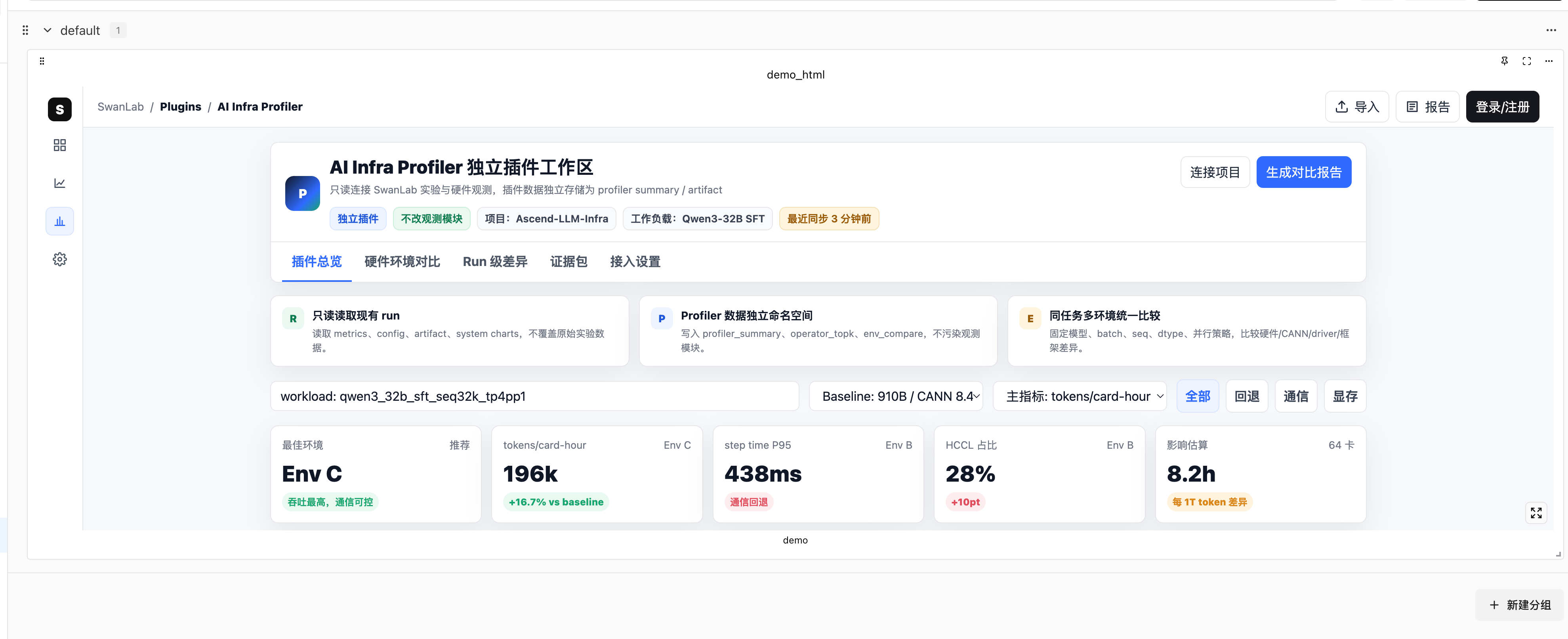
传入 .html 文件的路径字符串或 pathlib.Path 对象:
python
import swanlab

run = swanlab.init()
html_data = swanlab.Html("path/to/file.html", caption="some html")

run.log({"demo_html": html_data})
也可以使用 pathlib.Path:
python
from pathlib import Path
import swanlab

run = swanlab.init()
html_data = swanlab.Html(Path("path/to/file.html"), caption="some html")

run.log({"demo_html": html_data})
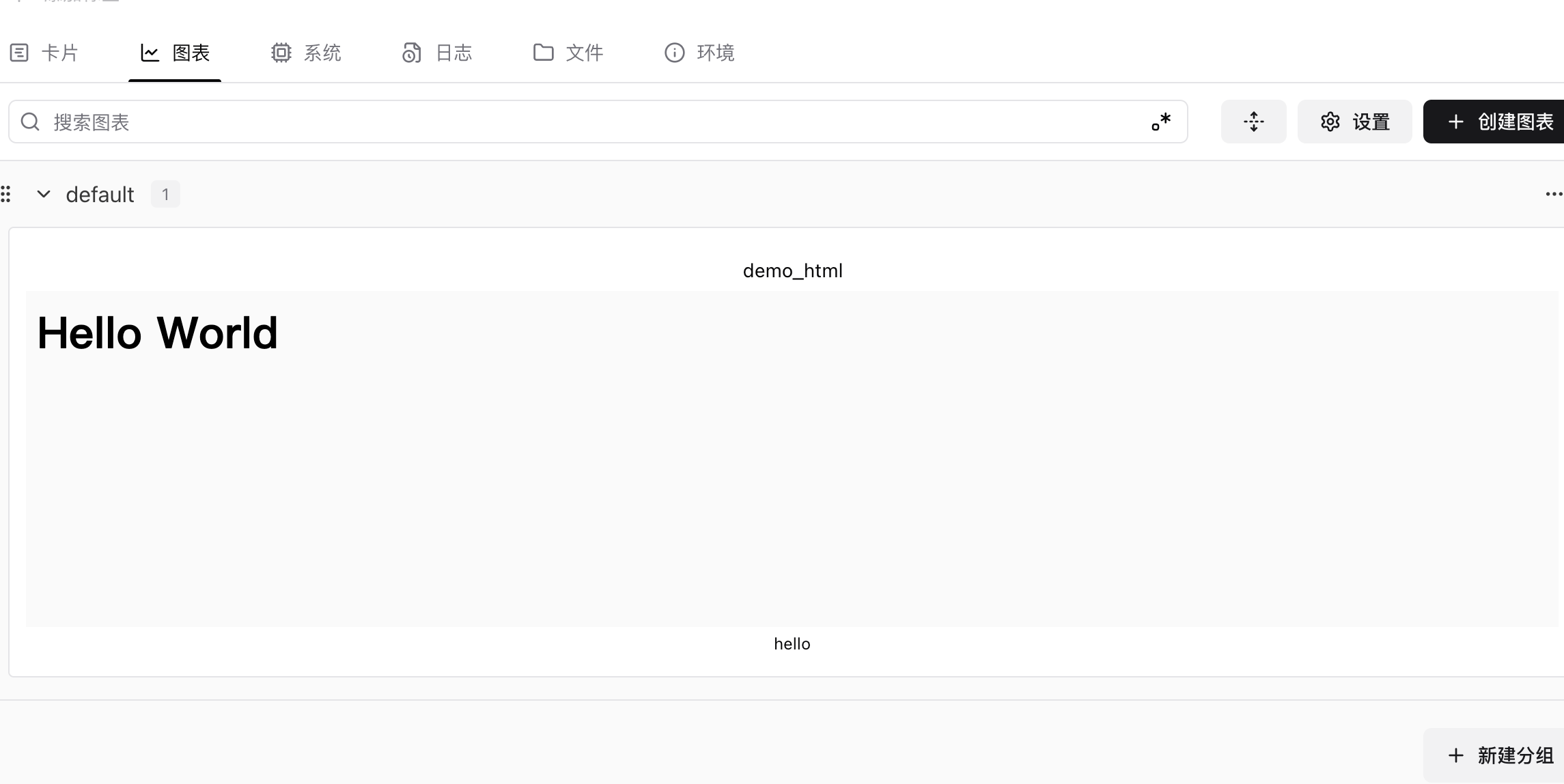
从 HTML 字符串创建
直接传入原始 HTML 字符串:
python
import swanlab

run = swanlab.init()
html_data = swanlab.Html("<h1>Hello World</h1>", caption="hello")

run.log({"demo_html": html_data})- 参考示例
从文件对象创建
传入已打开的文件句柄:
python
import swanlab

run = swanlab.init()

with open("path/to/file.html", "r") as f:
    html_data = swanlab.Html(f, caption="from file handle")

run.log({"examples": html_data})
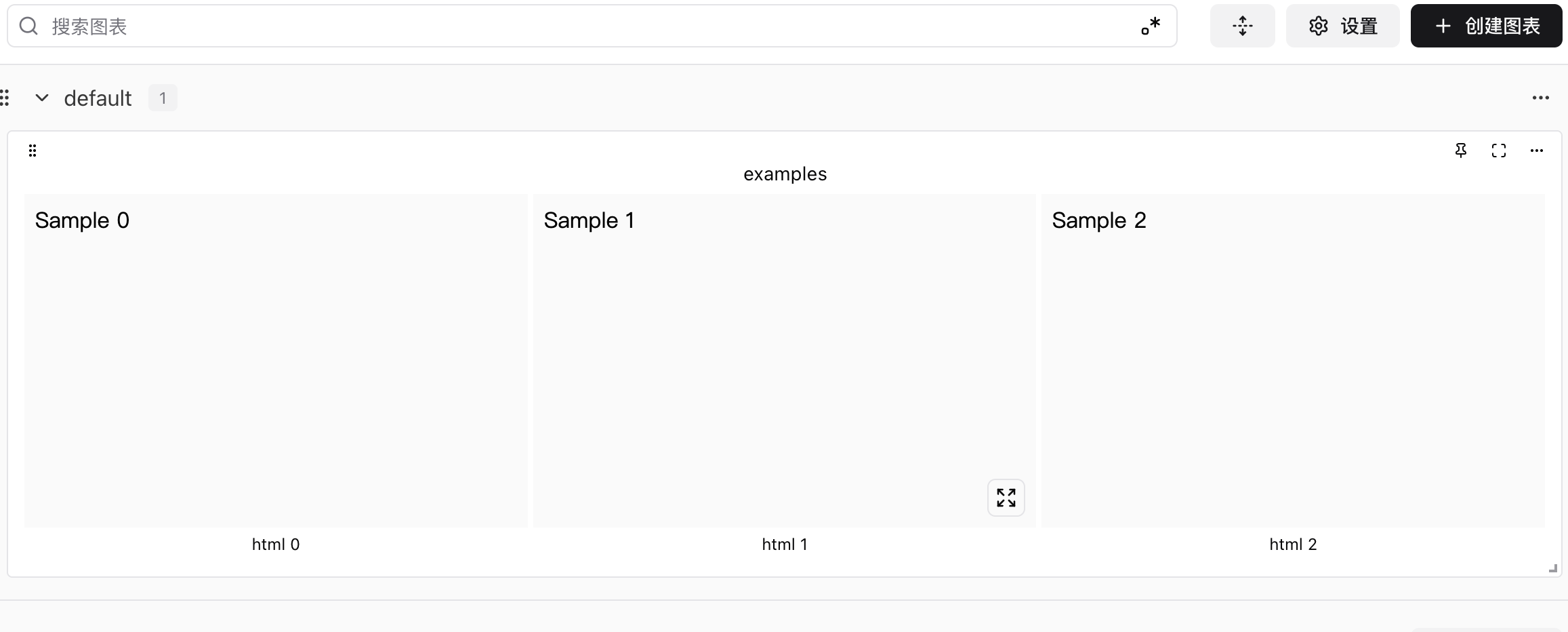
记录多个 Html
记录一个 Html 列表:
python
import swanlab

run = swanlab.init()

examples = []
for i in range(3):
    html = swanlab.Html(f"<p>Sample {i}</p>", caption=f"html {i}")
    examples.append(html)

run.log({"examples": examples})