swanlab.Html
python
Html(
    data: Union[str, Path, TextIO, Html],
    caption: Optional[str] = None,
) -> None| Parameter | Description |
|---|---|
| data | (Union[str, Path, TextIO, Html]) Accepts an .html file path, an HTML string, an opened HTML file handle, or another Html object. The Html class will convert the input based on its type. |
| caption | (str) The label for the HTML content. Used to mark HTML-type charts in the experiment dashboard. |
Introduction
Convert various types of HTML data to be recorded by swanlab.log().

Create from a file path
Pass a .html file path string or a pathlib.Path object:
python
import swanlab

run = swanlab.init()
html_data = swanlab.Html("path/to/file.html", caption="some html")

run.log({"demo_html": html_data})
You can also use pathlib.Path:
python
from pathlib import Path
import swanlab

run = swanlab.init()
html_data = swanlab.Html(Path("path/to/file.html"), caption="some html")

run.log({"demo_html": html_data})
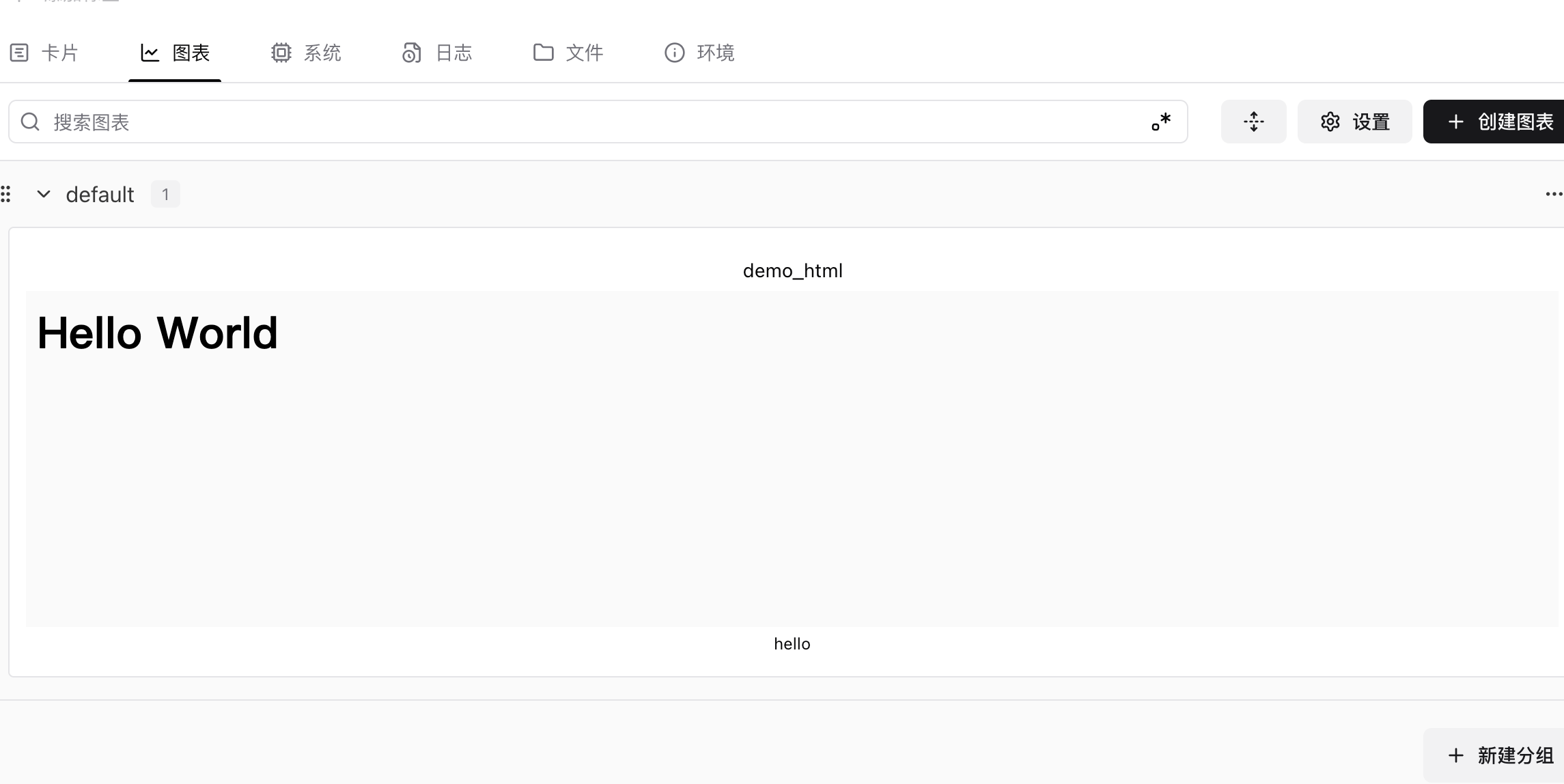
Create from an HTML string
Pass a raw HTML string directly:
python
import swanlab

run = swanlab.init()
html_data = swanlab.Html("<h1>Hello World</h1>", caption="hello")

run.log({"demo_html": html_data})- Example
Create from a file object
Pass an opened file handle:
python
import swanlab

run = swanlab.init()

with open("path/to/file.html", "r") as f:
    html_data = swanlab.Html(f, caption="from file handle")

run.log({"examples": html_data})
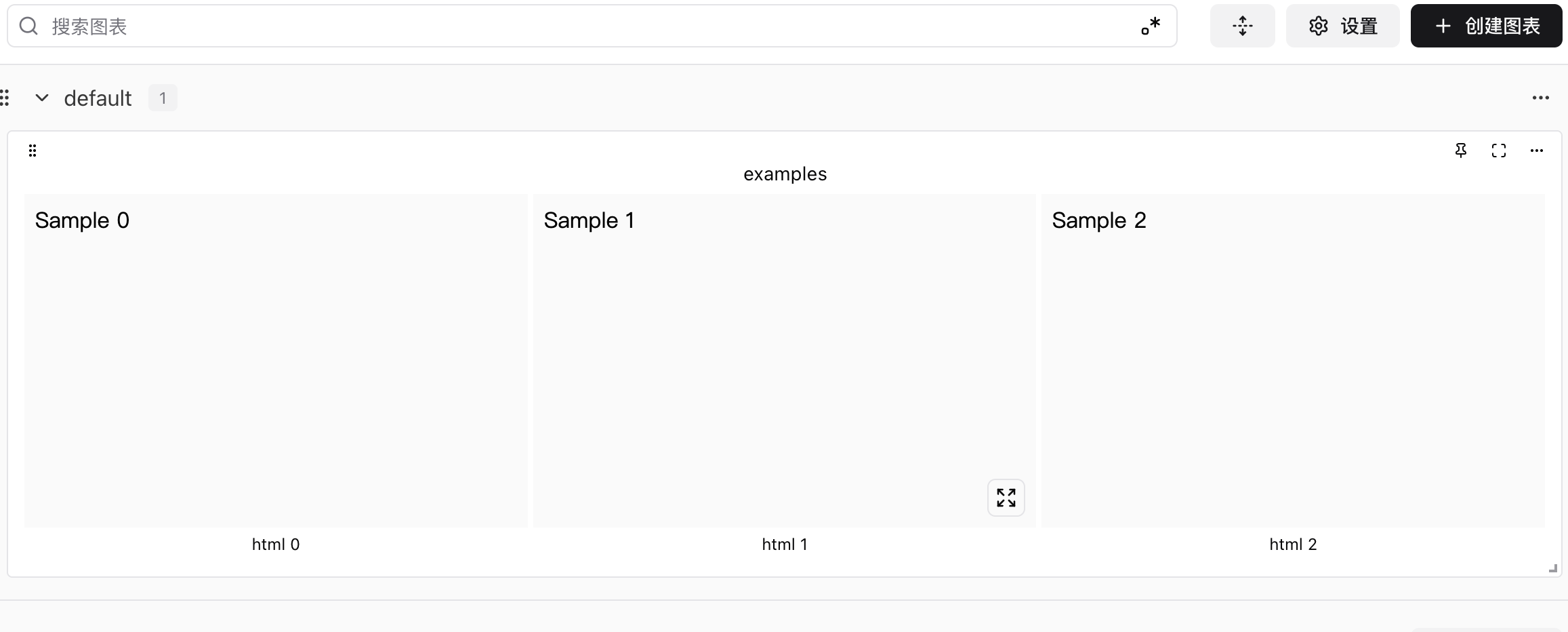
Logging multiple Html objects
Log a list of Html objects:
python
import swanlab

run = swanlab.init()

examples = []
for i in range(3):
    html = swanlab.Html(f"<p>Sample {i}</p>", caption=f"html {i}")
    examples.append(html)

run.log({"examples": examples})