

swanlab.Audio
python
Audio(
    data_or_path: Union[str, np.ndarray],
    sample_rate: int = 44100,
    caption: str = None,
) -> None| Parameter | Description |
|---|---|
| data_or_path | (Union[str, np.ndarray]) Accepts an audio file path or a numpy array. The Audio class will determine the received data type and perform the appropriate conversion. |
| sample_rate | (int) The sample rate of the audio, default is 44100. |
| caption | (str) The label for the audio. Used to mark the audio when displayed in the experiment dashboard. |
Introduction
Convert various types of audio data to be recorded by swanlab.log().
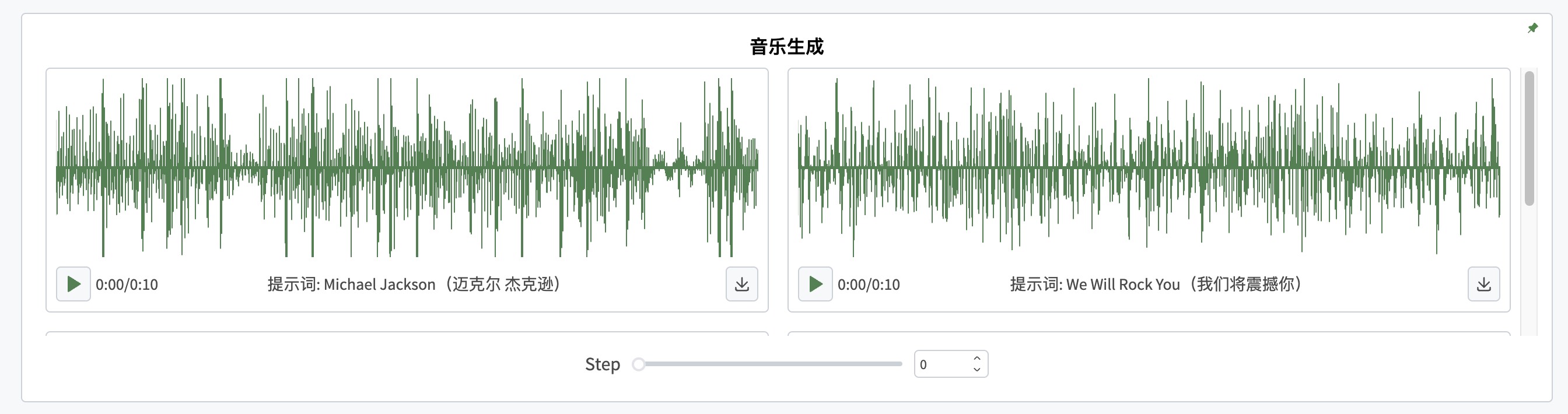
Creating from numpy array
Logging a single audio:
python
import numpy as np
import swanlab

run = swanlab.init()

# Create an audio of numpy array type
white_noise = np.random.randn(2, 100000)
# Pass it to swanlab.Audio, set the sample rate
audio = swanlab.Audio(white_noise, caption="white_noise")

run.log({"examples": audio})
Logging multiple audios:
python
import numpy as np
import swanlab

run = swanlab.init()

# Create a list
examples = []
for i in range(3):
    white_noise = np.random.randn(100000)
    audio = swanlab.Audio(white_noise, caption=f"audio_{i}")
    # Add swanlab.Audio type objects to the list
    examples.append(audio)

run.log({"examples": examples})
Creating from file path
python
import swanlab

run = swanlab.init()
audio = swanlab.Audio("path/to/file")

run.log({"examples": audio})