

Telegram
If you wish to receive immediate Telegram notifications upon training completion or errors, the Telegram Notification plugin is highly recommended.
Improve the Plugin
SwanLab plugins are open-source. You can view the GitHub source code. Suggestions and PRs are welcome!
Preparation
In the Telegram search bar, enter
@BotFather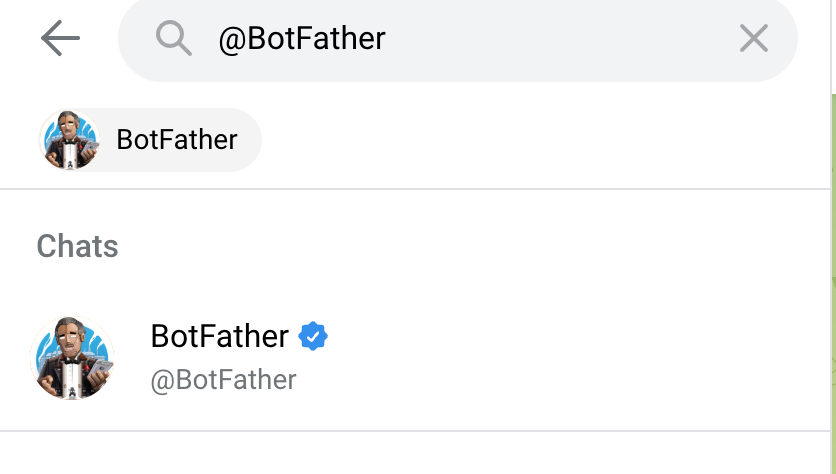
In the chat window, send the command
/newbot. Follow the prompts to input thenameandusernamerespectively. Notes:
- The
nameis used to display the bot’s name in the message window. - The
usernameis for redirecting to Telegram channels, must end withbot, and cannot be duplicated with other bots.
You will receive a message as shown below. Copy and save the token. 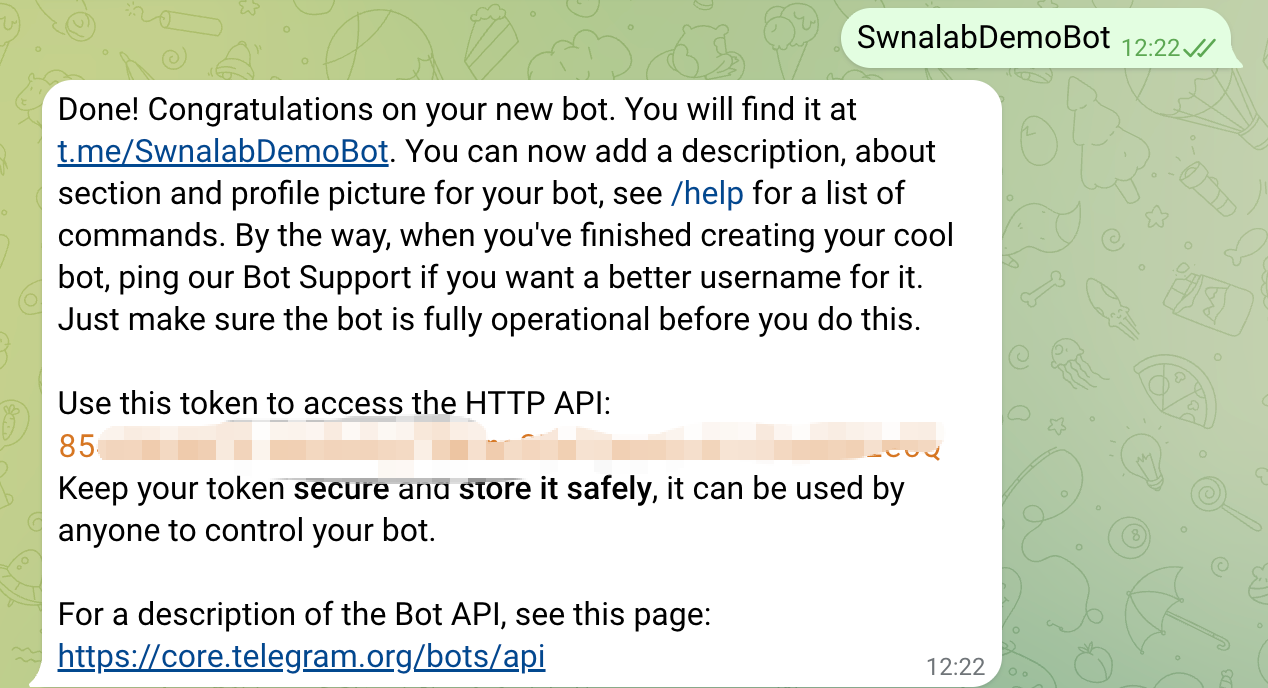
- In the Telegram search bar, enter
@getidsbot. Send the command/startin the chat window to obtain thechat_id. Thechat_idis the unique identifier of the user.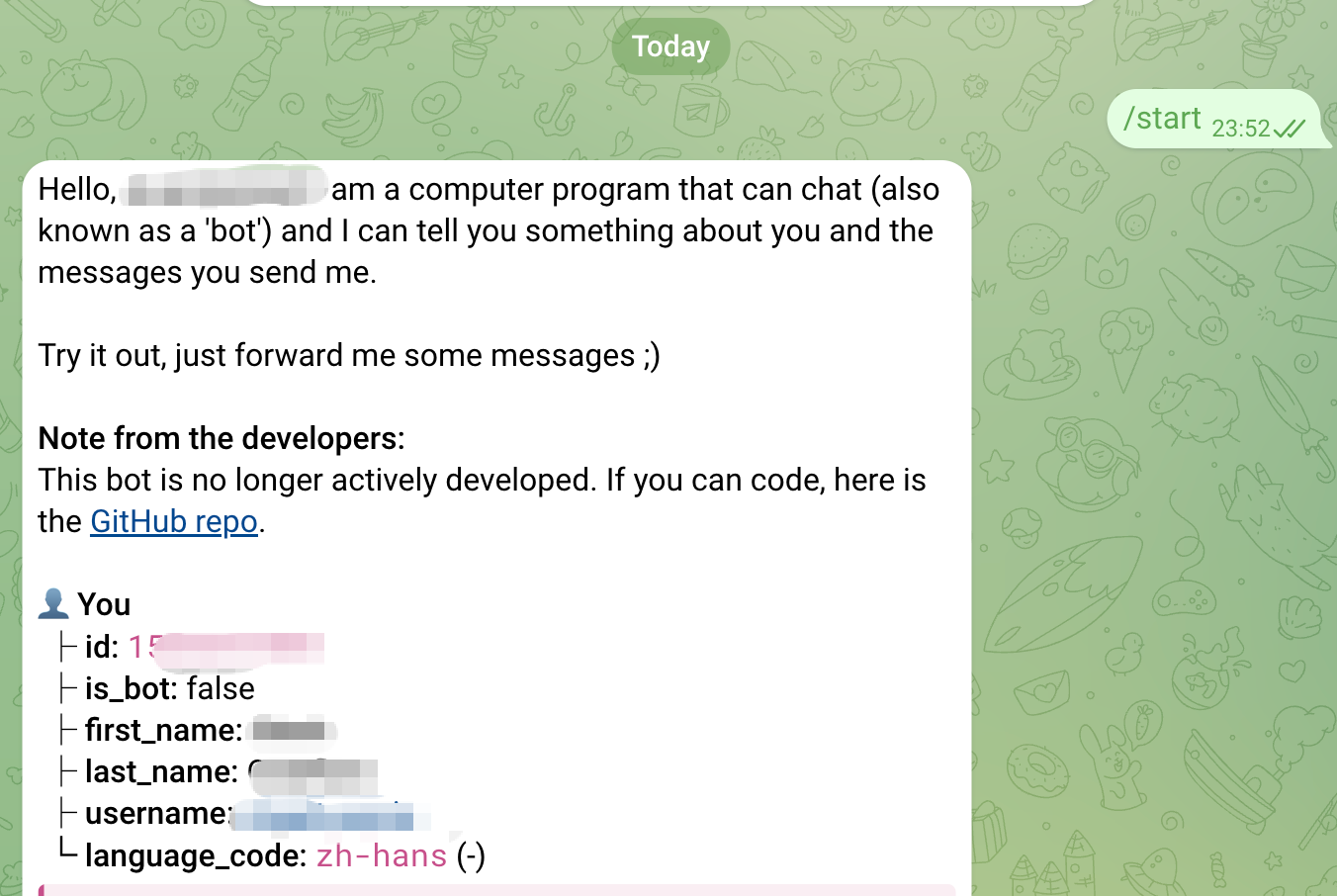
Basic Usage
Using the Telegram notification plugin is straightforward. Simply initialize a TelegramCallback instance:
from swanlab.plugin.notification import TelegramCallback

telegram_callback = TelegramCallback(
    bot_token="<YOUR_TELEGRAM_BOT_TOKEN>",
    chat_id="<YOUR_TELEGRAM_CHAT_ID>",
    language="en"
)
Then pass the telegram_callback object into the callbacks list parameter of swanlab.init:
swanlab.init(callbacks=[telegram_callback])In this way, you will receive a Telegram notification when training completes or an error occurs (triggering swanlab.finish()).
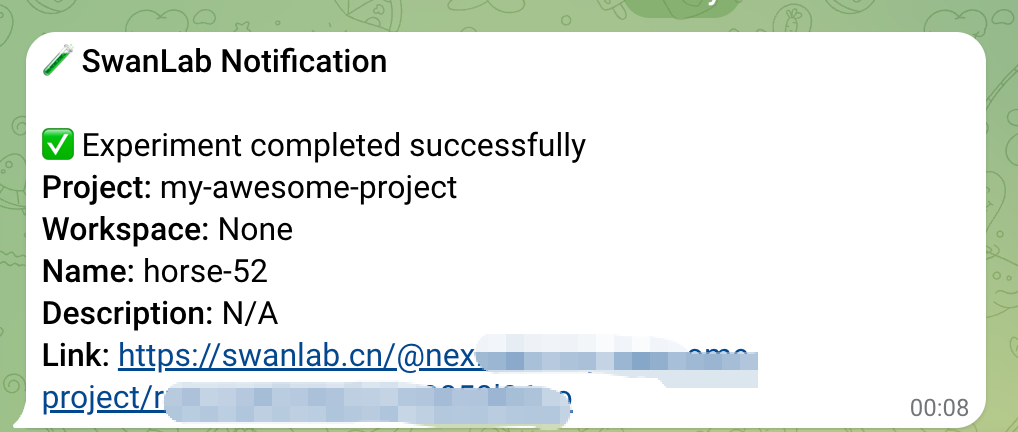
Custom Notifications
You can also use the send_msg method of the TelegramCallback object to send custom Telegram messages.
This is particularly useful for notifying you when certain metrics reach specific thresholds!
if accuracy > 0.95:
    # custom messages
    telegram_callback.send_msg(
        content=f"Current Accuracy: {accuracy}",
    )
Limitations
• The training completion/error notification of the Telegram notification plugin relies on the on_stop lifecycle callback of SwanKitCallback. Therefore, if your process is abruptly killed or the training machine shuts down unexpectedly, the on_stop callback will not be triggered, and no Telegram notification will be sent.
• A more robust solution will be available with the launch of SwanLab's Platform Open API. Stay tuned!