

Log Media Data
SwanLab supports logging media data (images, audio, text, obejct3d, etc.) to visually explore your experimental results and achieve subjective evaluation of your models.
1. Images
swanlab.Image supports logging various image types, including numpy, PIL, Tensor, file reading, etc. API Documentation.
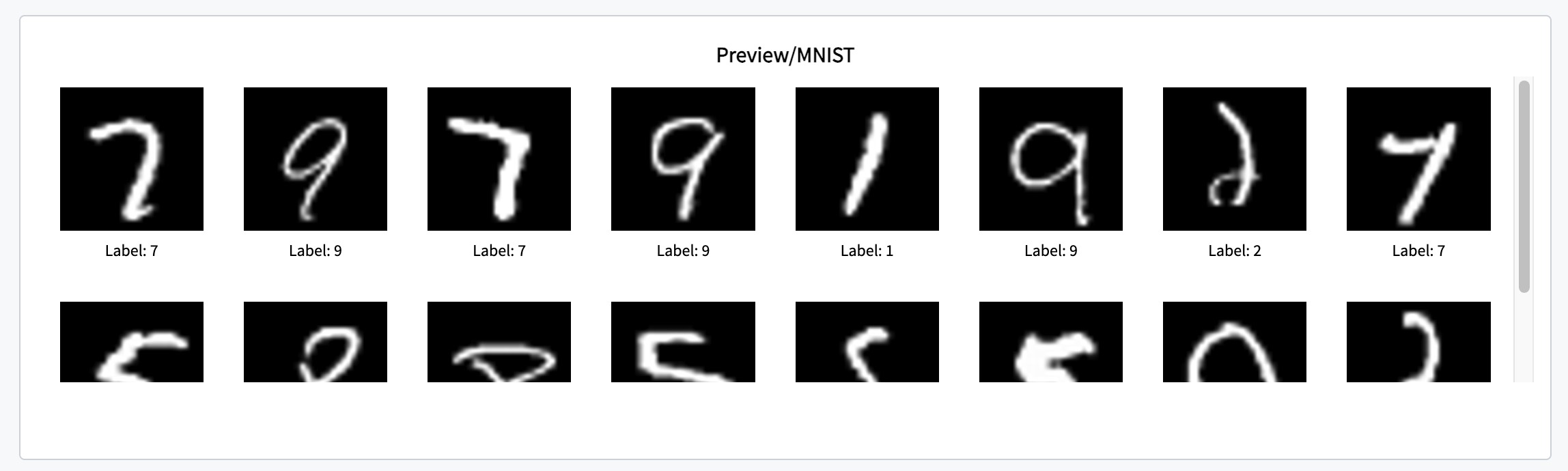
1.1 Log Array-Type Images
Array-type includes numpy and tensor. Directly pass the Array into swanlab.Image, and it will automatically handle it according to the type:
- If it is
numpy.ndarray: SwanLab will use pillow (PIL) to read it. - If it is
tensor: SwanLab will use themake_gridfunction oftorchvisionfor conversion and then use pillow to read it.
Example code:
image = swanlab.Image(image_array, caption="Left: Input, Right: Output")
swanlab.log({"examples": image})
1.2 Log PIL-Type Images
Directly pass it into swanlab.Image:
image = PIL.Image.fromarray(image_array)
swanlab.log({"examples": image})
1.3 Log File Images
Provide the file path to swanlab.Image:
image = swanlab.Image("myimage.jpg")
swanlab.log({"example": image})
1.4 Log Matplotlib
Pass the plt object of matplotlib.pyplot into swanlab.Image:
import matplotlib.pyplot as plt

# Data
x = [1, 2, 3, 4, 5]
y = [2, 3, 5, 7, 11]
# Create a line plot
plt.plot(x, y)
# Add title and labels
plt.title("Examples")
plt.xlabel("X-axis")
plt.ylabel("Y-axis")

swanlab.log({"example": swanlab.Image(plt)})
1.5 Log Multiple Images in One Step
Logging multiple images in one step means passing a list composed of swanlab.Image type objects in one swanlab.log.
# Create an empty list
image_list = []
for i in range(3):
    random_image = np.random.randint(low=0, high=256, size=(100, 100, 3))
    image = swanlab.Image(random_image, caption=f"Random Image {i}")
    # Add swanlab.Image type objects to the list
    image_list.append(image)

swanlab.log({"examples": image_list})
For more details about images, refer to the API Documentation.
2. Audio
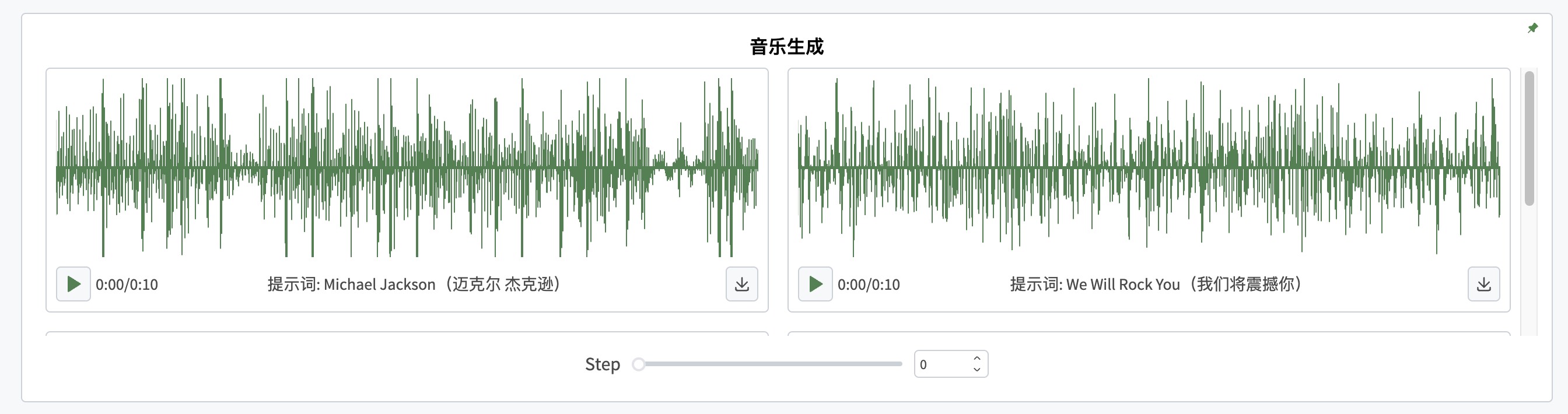
2.1 Log Array-Type Audio
audio = swanlab.Audio(np_array, sample_rate=44100, caption="white_noise")
swanlab.log({"white_noise": audio})
2.2 Log Audio Files
swanlab.log({"white_noise": swanlab.Audio("white_noise.wav")})2.3 Log Multiple Audio in One Step
examples = []
for i in range(3):
    white_noise = np.random.randn(100000)
    audio = swanlab.Audio(white_noise, caption=f"audio_{i}")
    # Add swanlab.Audio type objects to the list
    examples.append(audio)

run.log({"examples": examples})
3. Text
3.1 Log Strings
swanlab.log({"text": swanlab.Text("A example text.")})3.2 Log Multiple Text in One Step
# Create an empty list
text_list = []
for i in range(3):
    text = swanlab.Text("A example text.", caption=f"{i}")
    text_list.append(text)

swanlab.log({"examples": text_list})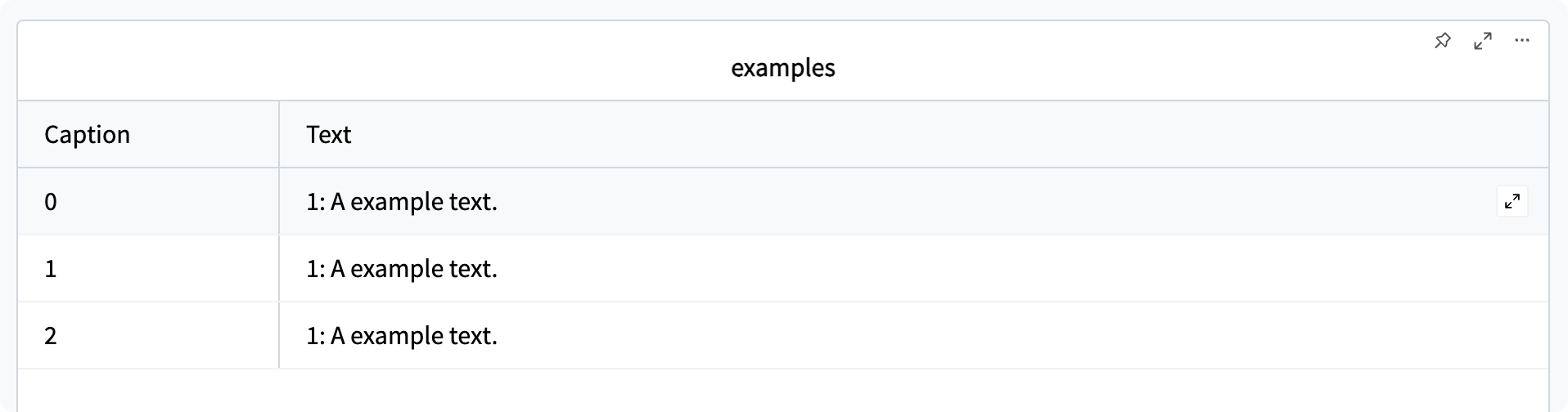
4. 3D Point Cloud
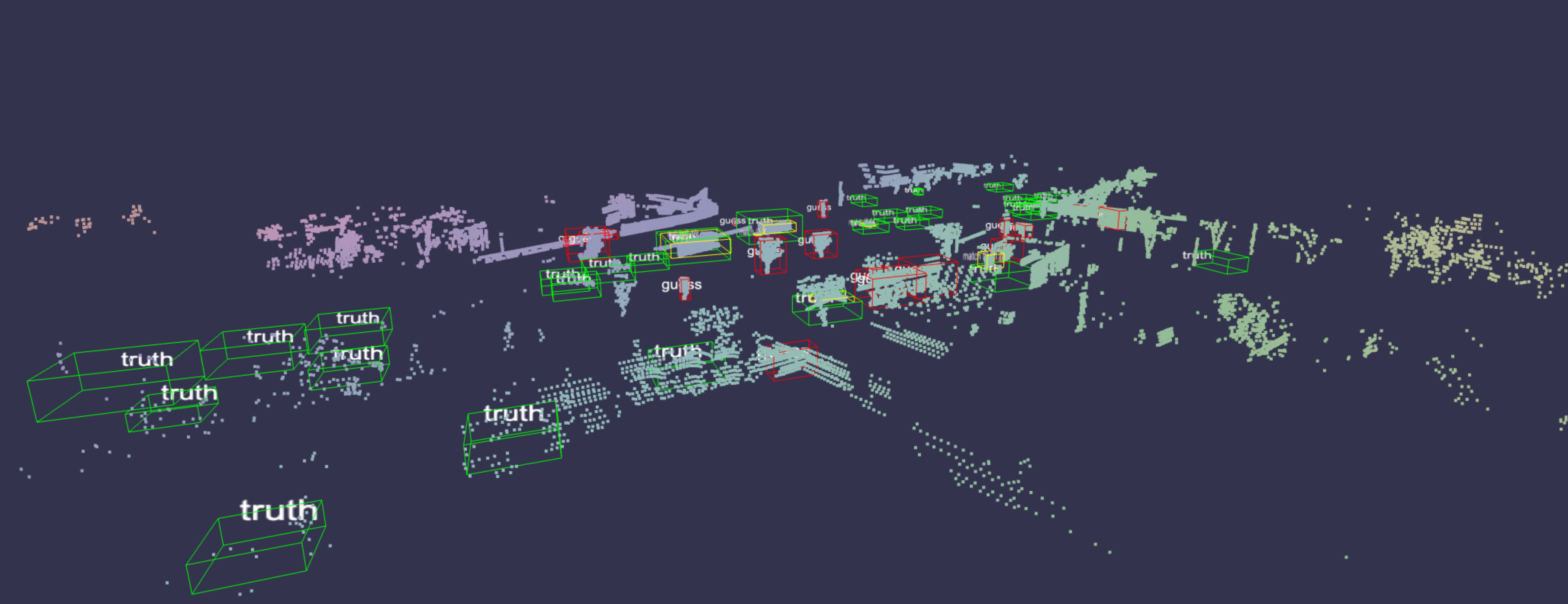
👀Please refer to this document: API-Oject3D
5. Molecules
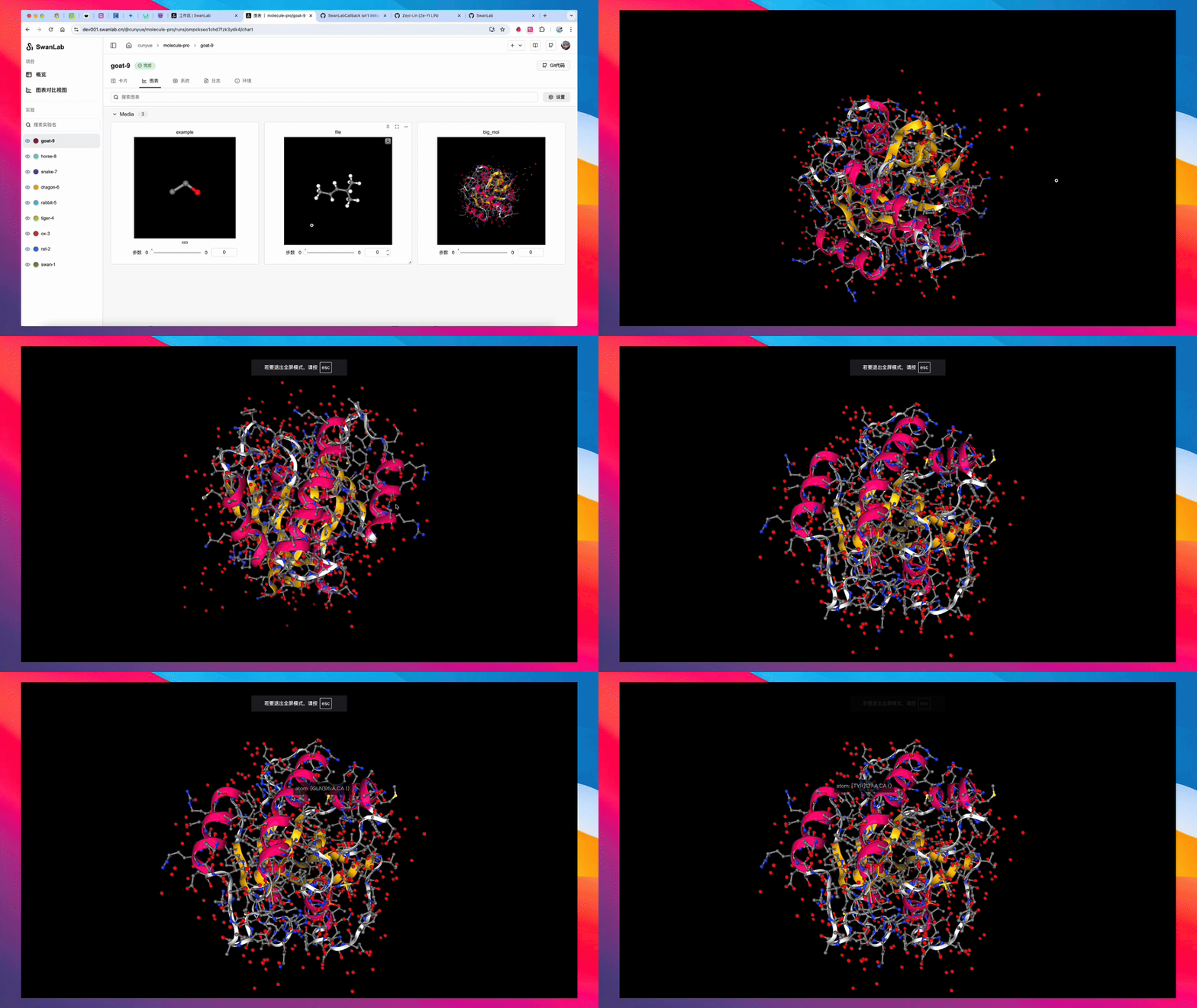
Please refer to this document: API-Molecule
6. Video
Please refer to this document: API-Video
Q&A
1. What is the role of the caption parameter?
Each media type has a caption parameter, which is used for textual description of the media data. For example, for images:
apple_image = swanlab.Image(data, caption="Apple")
swanlab.log({"im": apple_image})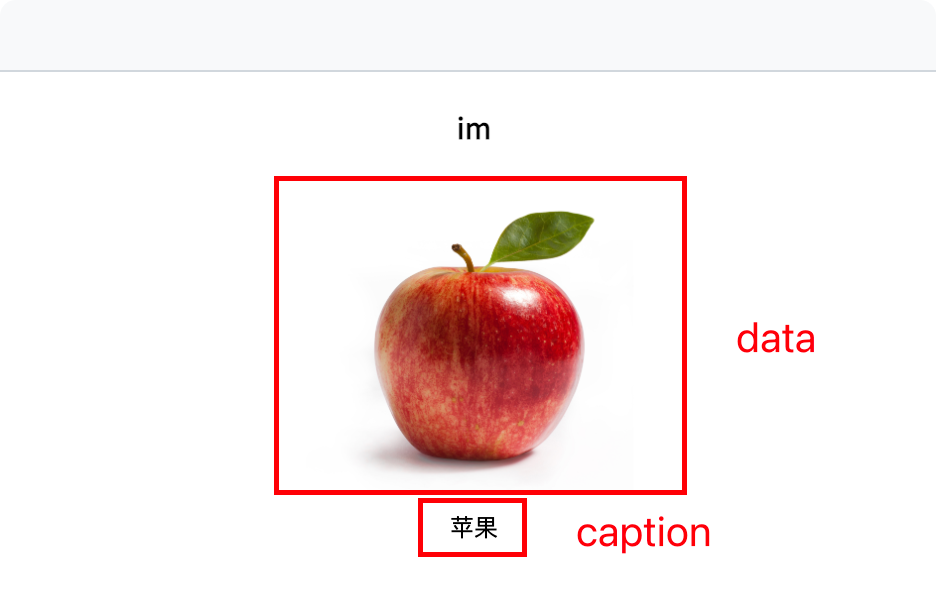
2. How to synchronize media data with the epoch number?
When logging media data with swanlab.log, specify the step parameter as the epoch number.
for epoch in epochs:
    ···
    swanlab.log({"im": sw_image}, step=epoch)